Record a journey
Capture a real user journey through a browser and turn it into a test plan, without writing one by hand.

Performance engineering workbench
Record a journey, turn it into a test plan, run it across your own machines, watch the application while it runs, and keep a report that outlives the run.
One workbench, three engines: JMeter · k6 · Gatling
A recorder, a spreadsheet of test data, somebody’s laptop, a monitoring tab nobody saved and a results file emailed afterwards. JMXPress keeps them together and attaches them to the run they belong to.
Capture a journey in a browser, or bring a JMX, a Postman collection, a HAR file or an OpenAPI specification.
Threads, ramp, duration, the CSVs the plan reads, and which machines generate the load.
Live client-side figures from the run, and server-side metrics from your APM for the same window.
A report that outlives the run, with the monitoring that was collected alongside it.
Every one of these is in the product today.
Capture a real user journey through a browser and turn it into a test plan, without writing one by hand.
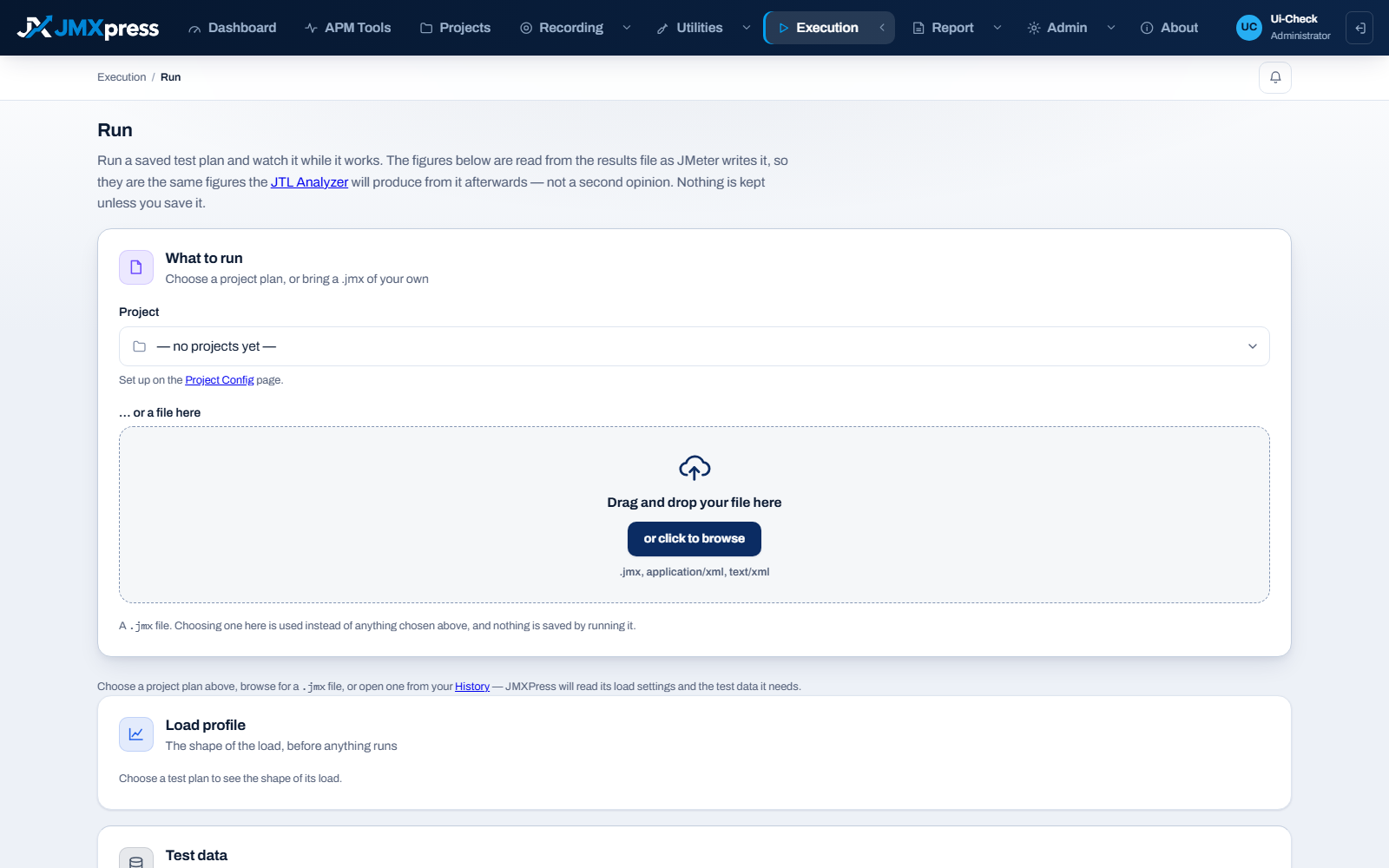
From one machine or several, with the load profile and the test data the plan actually needs.
Client-side figures from the run, and server-side figures from the application under test, side by side.
Connect the monitoring you already pay for, and keep what it said about each test.
What happened, in a form you can send to somebody who was not watching.
When a run shows a problem inside the application rather than in front of it.
While it runs
Client-side figures come from the results file as JMeter writes it: samples, errors, throughput and percentiles. Server-side figures come from the APM you already use, for the window the run occupied.
They are kept apart on purpose. One is what your load generator saw from outside; the other is what the application said about itself. The difference between them is the network and whatever queues in front of it.
APM monitoring
A read-only credential is enough. It is sealed with a key held outside the database row, and is never sent back to a browser, written to a log, or put into a generated test plan.
The quickest way in is to record a journey and run it. The documentation walks through it from an empty account.